Web UI quickstart (5 min)
First audit run in the browser — no CLI ceremony. For the CLI version see Quickstart; for the deep tour see Web UI guide.
0. Prerequisites
- Node.js 20+ / Python 3.12 (
uv) / git installed - Installation completed
Sanity check:
node --version
uv --version
1. Authenticate (once)
Pick one:
# A. Claude Pro/Max subscription (recommended)
npm install -g @anthropic-ai/claude-code
claude auth login        # opens claude.ai OAuth in the browser

# B. Anthropic API key
export ANTHROPIC_API_KEY=sk-ant-api-...

# C. Defer — paste it on the Web UI login form later
Verify:
claude auth status --json
2. Start the Web server
uv run speca-web --port 7411 --host 127.0.0.1 --serve-frontend
Open http://127.0.0.1:7411/ in your browser:
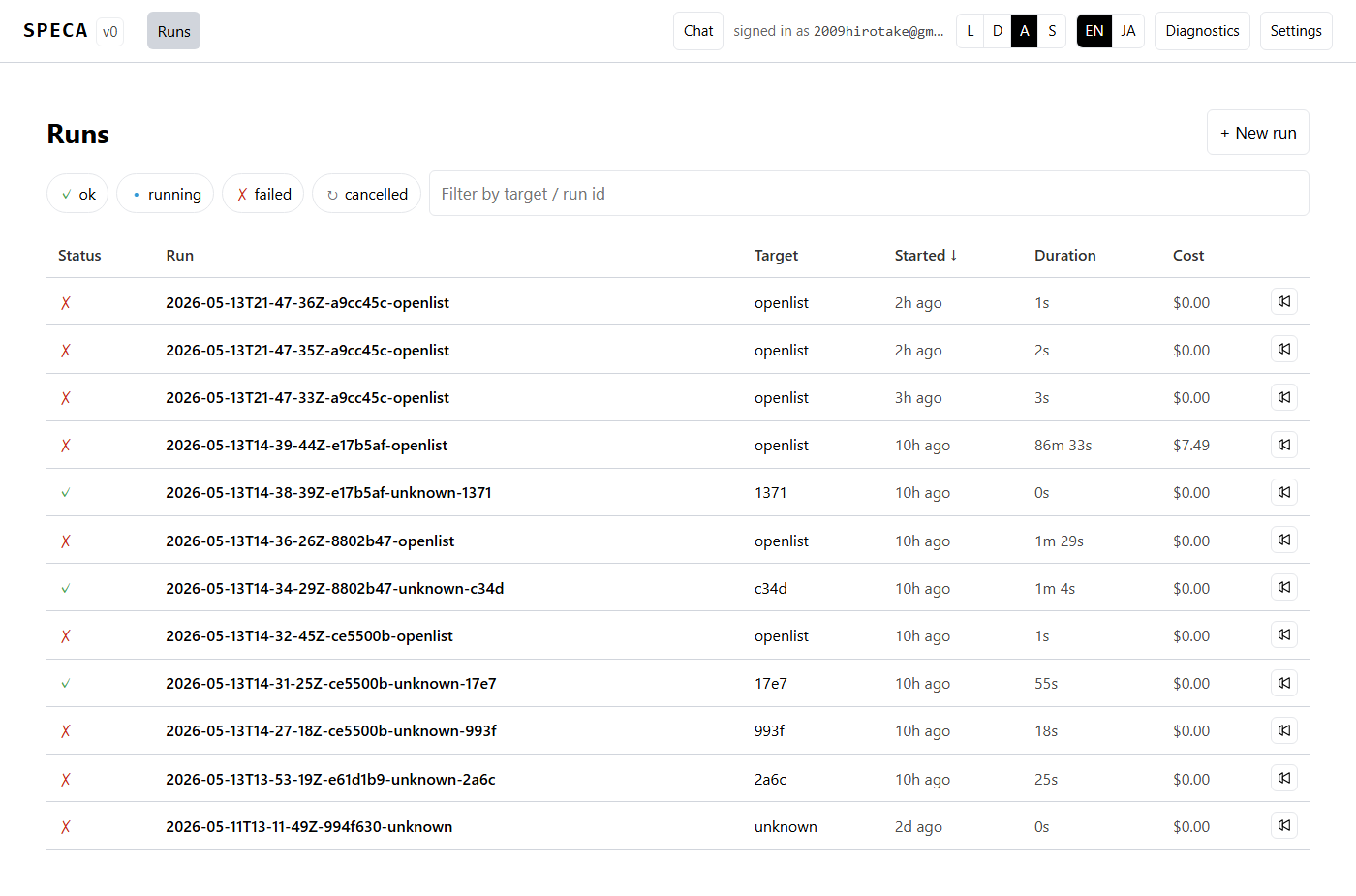
If you're not yet logged in, the login screen offers paste-code OAuth or an API-key field.
3. Launch a run via the Wizard
Dashboard → + New run → /runs/new/wizard:
- Project type —
smart_contractetc. - Target repo —
owner/name(e.g.OpenZeppelin/openzeppelin-contracts) - Target ref — empty for default branch
- Scope — Bug bounty URL if any
- Spec URLs — optional (Phase 01a seed)
- Confirm — Launch
Errors render in a 9-case modal with localised remediation steps.
4. Watch the run
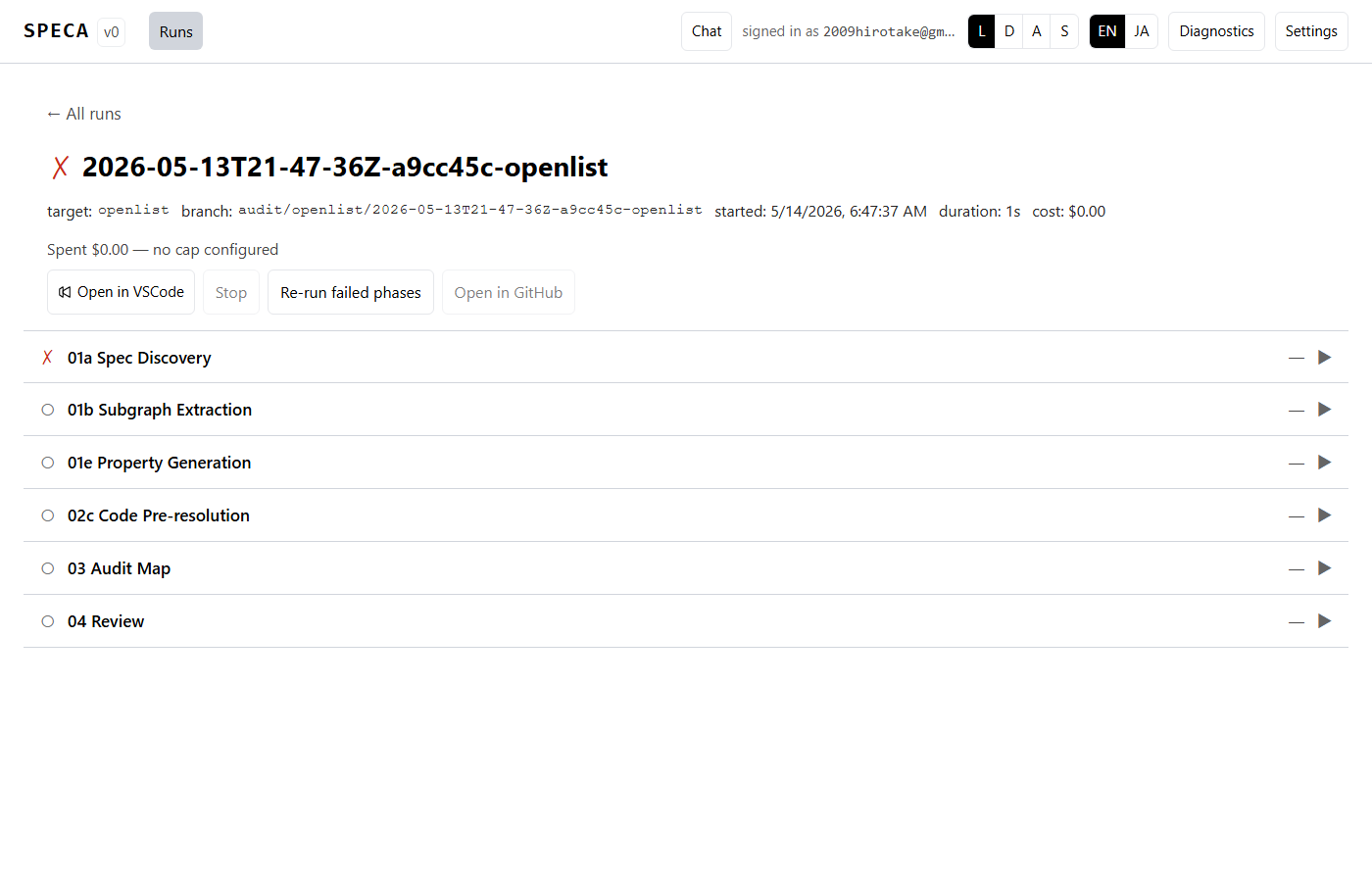
Click a phase to expand, or Tab-focus it then l for the log pane and
f to force re-run just that phase.
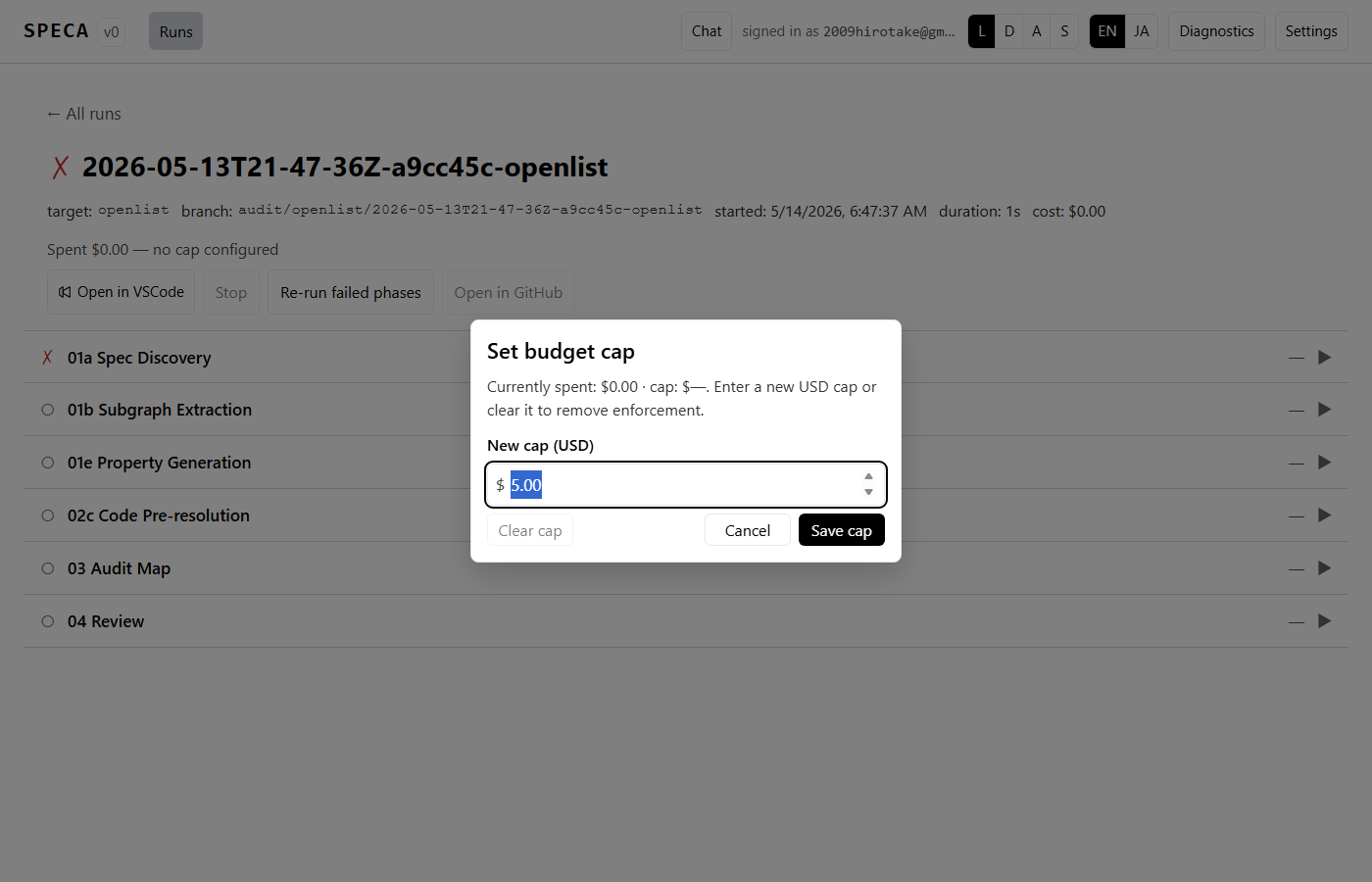
Budget tight? Click the gauge to bump the cap:
5. Browse findings
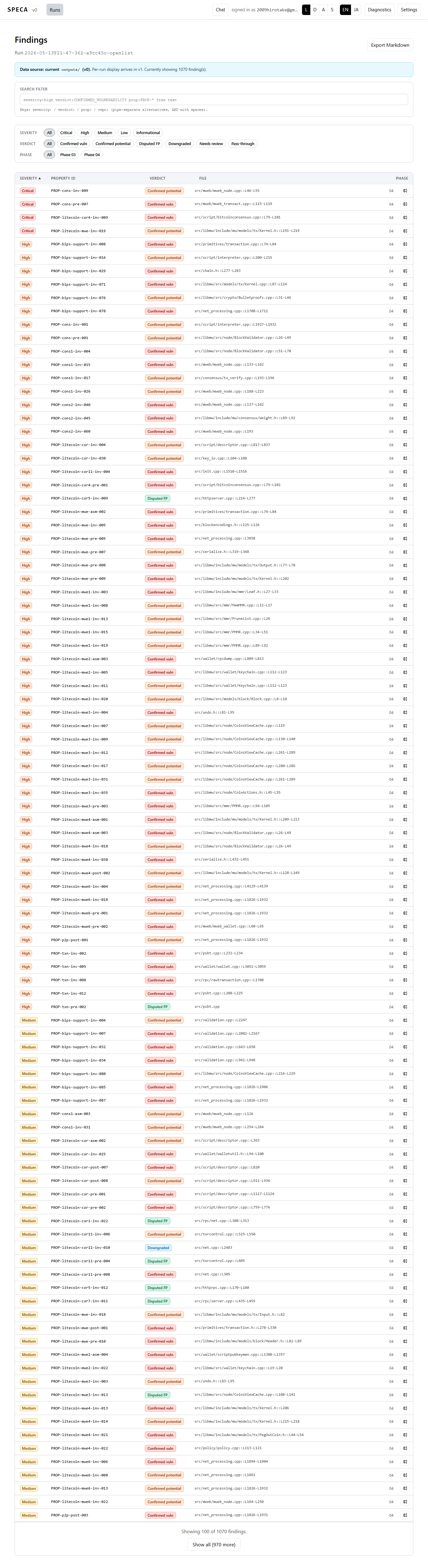
When the run finishes, /runs/<id>/findings shows the list. DSL filter,
Markdown export, Prism code highlighting all work:
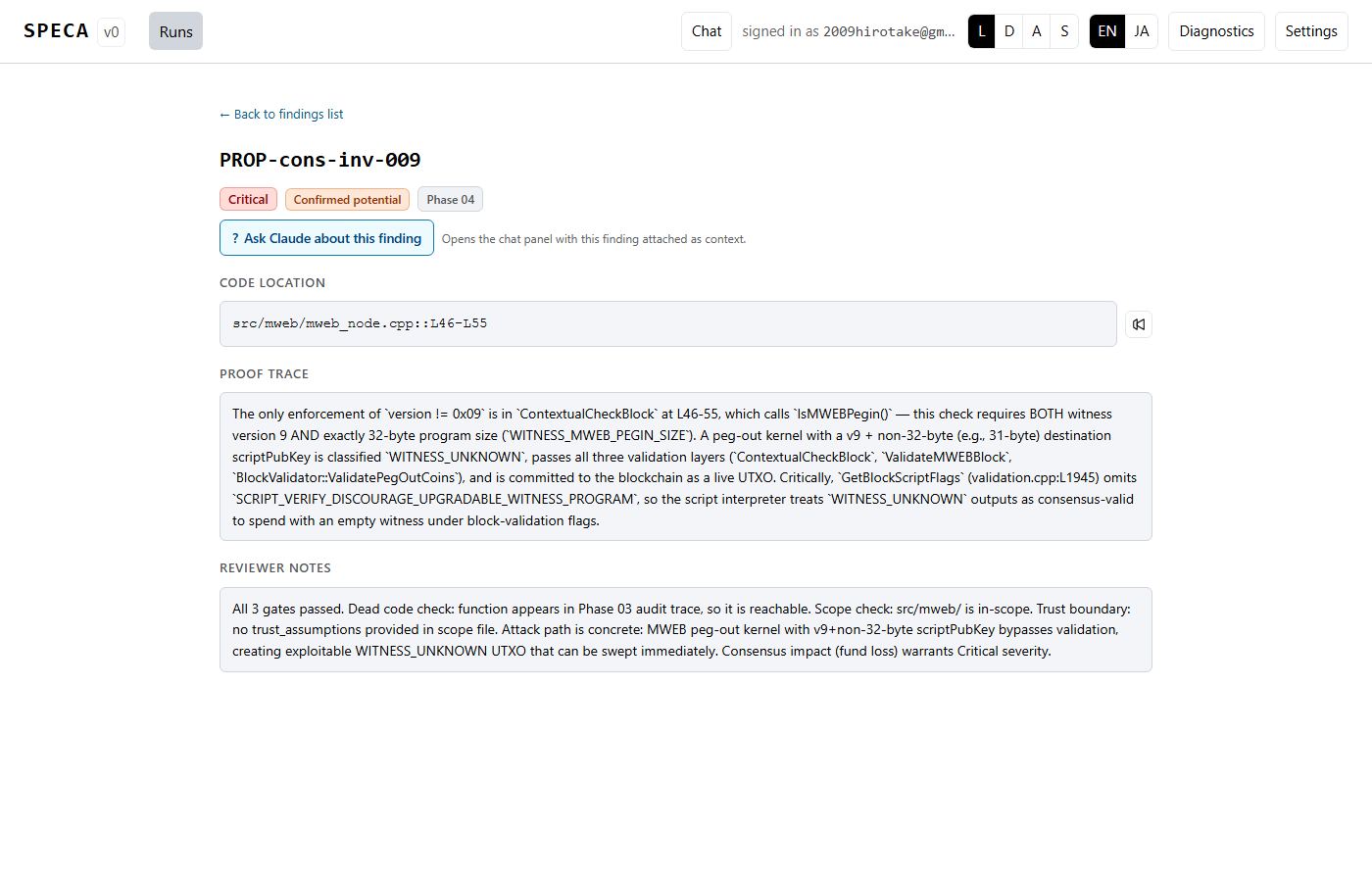
6. Ask Claude about one finding
Use the Ask Claude about this finding button on the detail page to
inject the finding into the chat panel. Or open chat directly via the
header button / c shortcut for free-form questions:
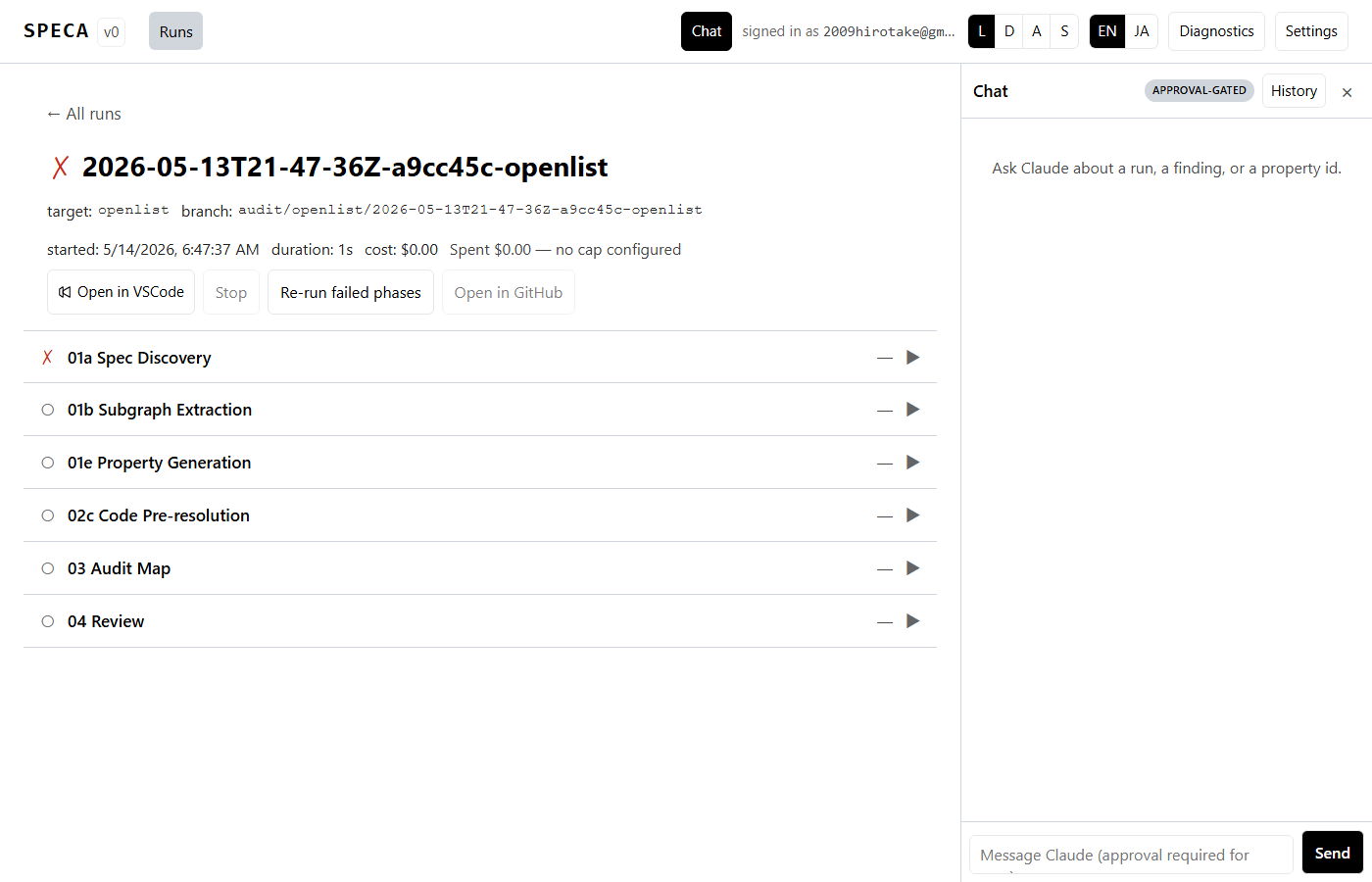
(Optional) Try a different runtime
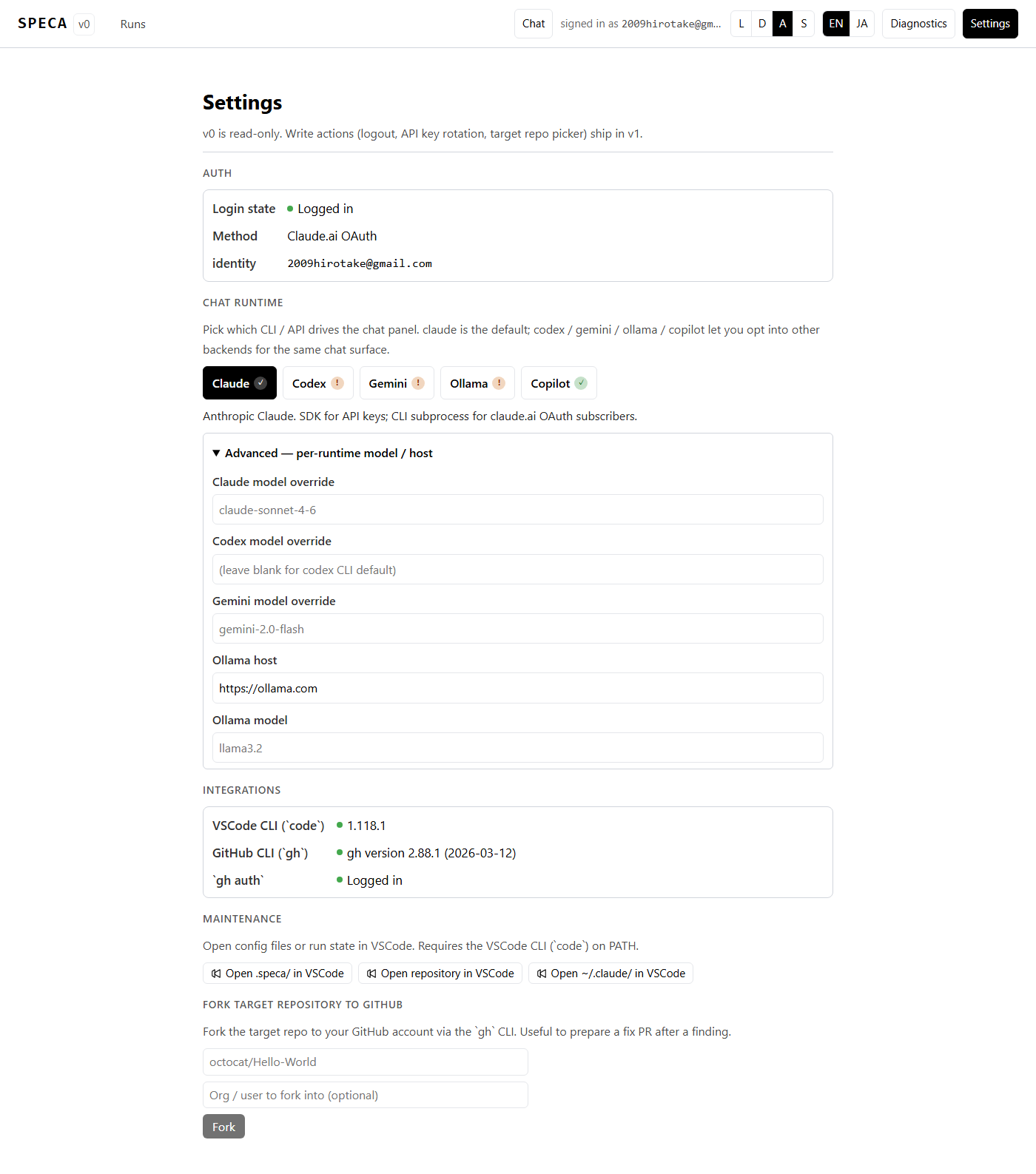
/settings → Chat runtime lets you pick something other than claude:
| Runtime | Auth |
|---|---|
| Claude (default) | claude auth login or ANTHROPIC_API_KEY |
| Codex | codex login (ChatGPT plan) or OPENAI_API_KEY |
| Gemini | GEMINI_API_KEY or Google ADC (gcloud auth application-default login + GOOGLE_GENAI_USE_GCA=true) |
| Ollama | self-hosted (OLLAMA_HOST=http://localhost:11434) or cloud (+ OLLAMA_API_KEY) |
| Copilot | gh auth login + Copilot subscription (chat only) |
The ✓ / ! badge tells you which backends are usable right now.
Export env vars before (re)starting the Web server. See
Multi-runtime backends for details.
:::info Chat / Audit OAuth gap
Chat panel goes through CLI subprocesses, so both OAuth (codex
login / ChatGPT plan / Google ADC) and API keys work.
Audit pipeline talks to OpenAI-compatible endpoints directly, so it
needs an API key (OPENAI_API_KEY / GEMINI_API_KEY) today.
:::
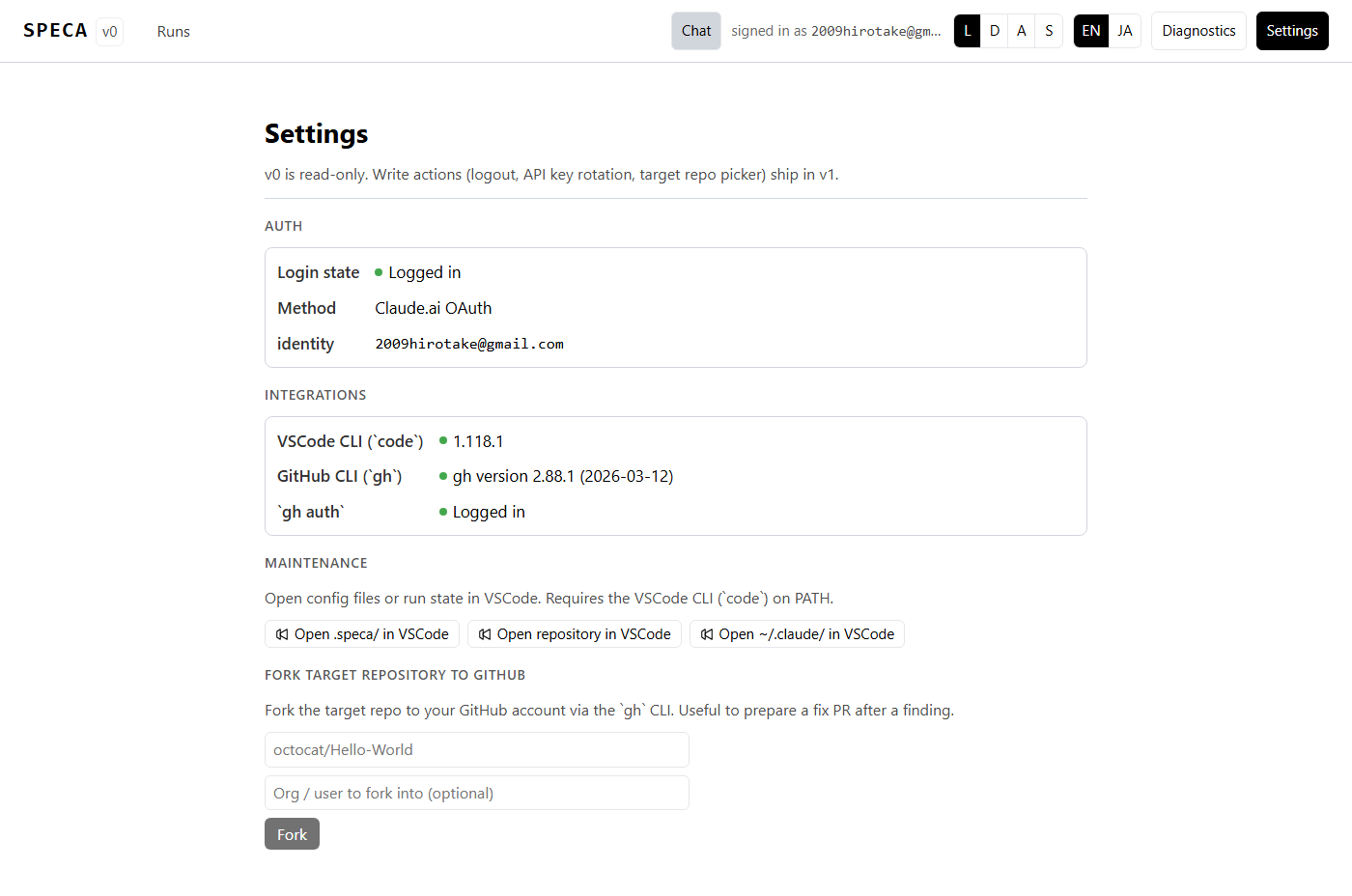
(Optional) Customise the UI
From the header:
- L / D / A / S — Light / Dark / Auto / Solarized theme
- EN / JA — Language toggle
When things go wrong
- Long-form fixes: Troubleshooting
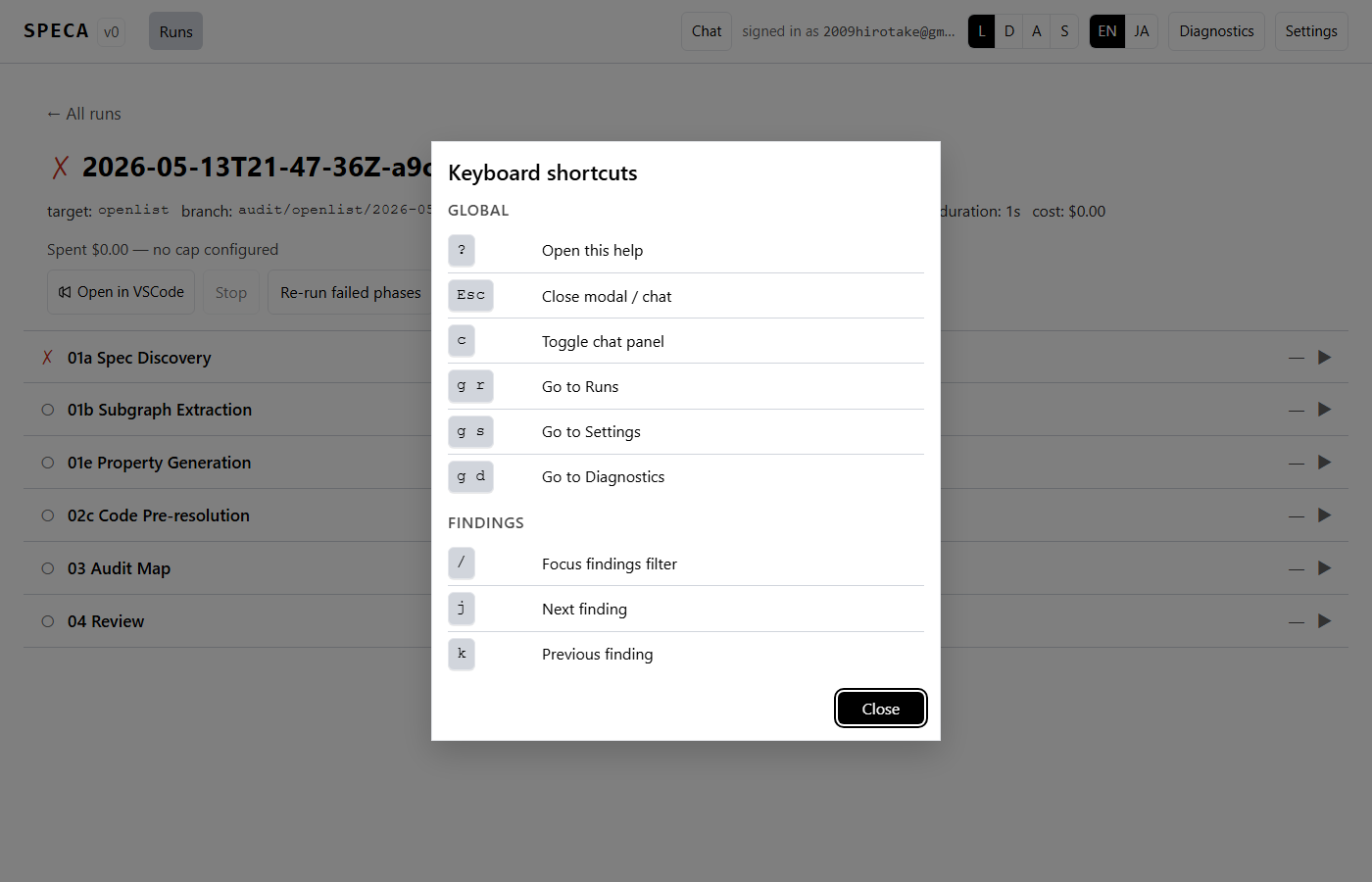
- Keyboard help: press
?any time
Next steps
- Web UI features — every screen
- Multi-runtime backends
- Quickstart — same flow via the CLI
- CLI reference